
Use AI to narrow the contact set, map each contact to a plausible business concern, and prepare a brief to check before writing. Its strongest use here is sorting and connecting material that already exists. An AI language model works from existing content instead of generating new facts, and it can sort information without deciding what is meaningful without your expertise and judgment.1, 2 Treat every AI conclusion about a contact as a lead to verify. Let the message depend on a source you can inspect.
Start with the contact question
Begin with a decision the research should support. The system should help you choose who deserves attention and explain why that person belongs in the contact set.
Outbound teams should intelligently surface the right contacts.3 AI is considered particularly well-suited to helping identify them.4 Ask the system, "Who should I be engaging?"5
Give it the account context, the problem you are investigating, and the type of contact you need. Ask for a shortlist with the reason each person appears relevant. Require a separate field for supporting material and another for uncertainty. This keeps contact selection distinct from message writing.
Move on when you can explain why each contact is in scope without relying on the system's confidence or wording.
Find the contact set
Start with broad collection, then reduce the list through evidence. The aim is to find enough material to judge relevance without asking the system to fill gaps from assumption.
Some AI tools research a contact through the person's website, LinkedIn, and sometimes online history before writing up what they find.6 They can also pull contacts together with their information and personalization points.7 One AI-assisted pass took about five to ten minutes while identifying relevant prospects at an account.8 AI-powered tools can help identify key players and involved departments.9
Ask the system to return:
- the contact it found
- the role or responsibility it associates with that contact
- the evidence behind that association
- the department or group that appears involved
- the reason the contact could care about the problem
- the missing information that still needs checking
Review the list for duplicate people, weak connections, and contacts included only because they are visible online. Move forward when every candidate has a clear reason for inclusion and a source you can open.
Map role, responsibility and priority

- What does this contact
- Which source supports
- What recent activity
- What business concern
- What would make
A name becomes useful when you can connect the problem to what that person may own. Keep the role, the supporting evidence, and the possible priority in separate fields so an inference does not look like an established fact.
Use recent activities, interests, and industry trends as inputs when you tailor the approach.10 The challenge should connect to the contact's role.11
Ask these questions in order:
- What does this contact appear to be responsible for?
- Which source supports that conclusion?
- What recent activity or stated interest gives the conclusion context?
- What business concern could follow from that responsibility?
- What would make the concern relevant enough to mention?
Label each answer as observed, inferred, or unknown. Observed means the source says it directly. Inferred means you connected source material to the contact's likely priorities. Unknown means the research has not earned a conclusion yet.
Stop when you have a defensible relevance path. That path should run from the contact, through the responsibility or activity you can support, to the reason your message belongs in their inbox.
Separate source from inference
Contact research in this workflow is secondary research. Keep the source trail visible while the system searches, summarizes, and organizes material.
Secondary research means finding, aggregating, and citing primary content that other people have already created.12 It remains essential.13 AI is not a good tool for primary research.14 Primary research is intended to generate new facts through activities such as surveys, scientific experiments, data analysis, and interviews.15
Use AI to find and organize existing material. Ask it to provide the source link and the exact passage that supports each important statement. Open the source yourself, check that the passage says what the summary claims, and record the distinction between what the contact said and what the system inferred.
Some AI search tools generate a series of links with their answers.16 A search-oriented system can map your wording to similar meanings beyond the literal words you used.17 You can continue the dialogue and ask for increasingly useful answers.18 Use that dialogue to tighten the research question, request missing source details, and remove claims that cannot be traced back to material you can inspect.
Turn findings into a message brief
Write the brief after separating the research into facts and inferences. It should make the next writing decision easy while leaving uncertainty visible.
The brief starts with who the person is and why they entered the list. It then records the responsibility or area that appears connected to the problem, followed by the source material supporting that connection. Mark the possible priority as an inference when it is one, explain why the outbound message could fit that concern, and end with the question you still need the contact to confirm.
Write the relevance line in plain language. Avoid turning a source detail into a claim about the contact's priorities without showing the step between them. Keep the open question available for the call or reply, because it gives the contact room to correct your assumption.
Check before you trust it
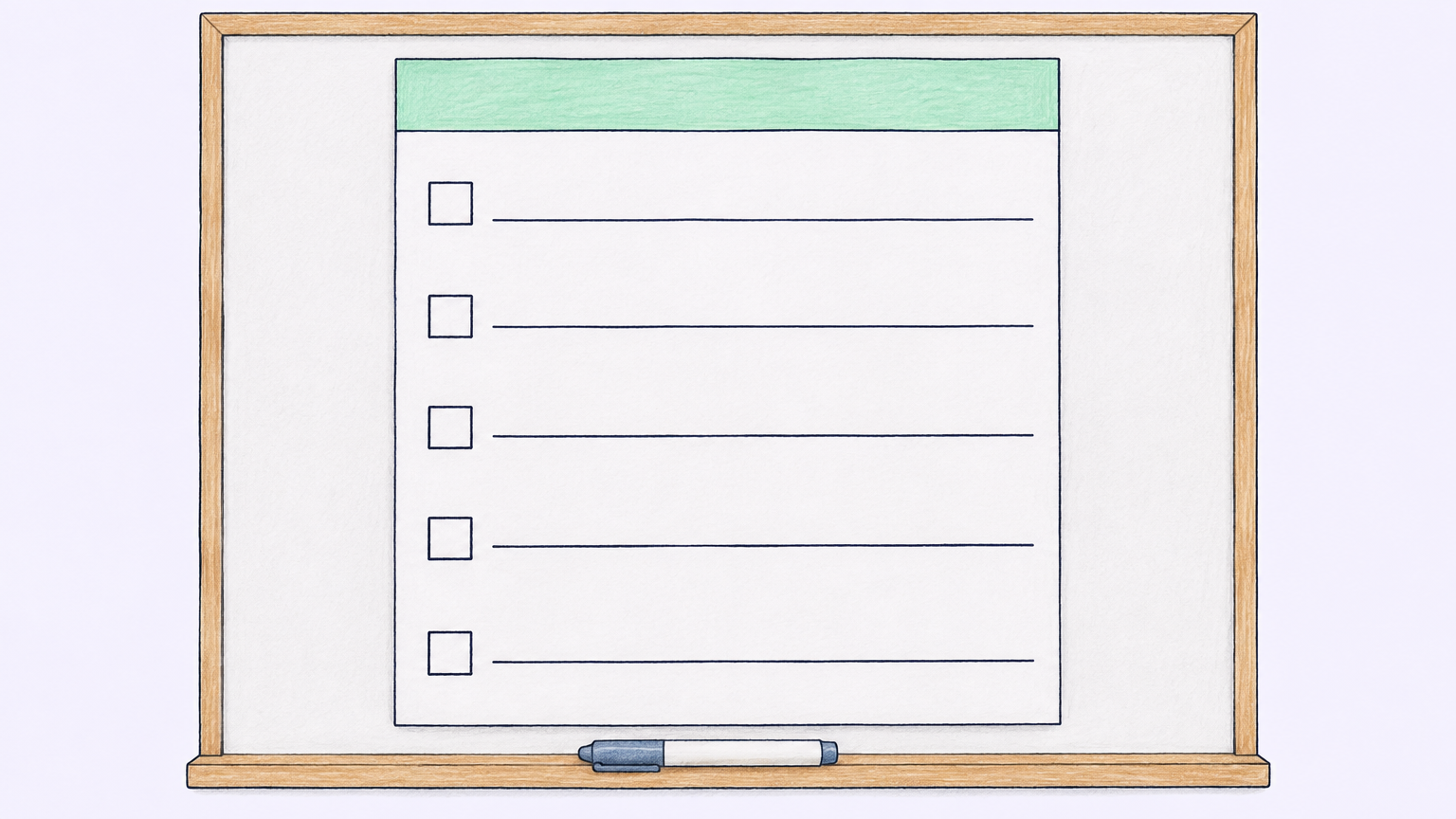
- Open every source
- Mark each statement
- Remove details
- Ask whether the possible
- Keep the source passage
Review turns contact research into something usable. Read the output as a draft of your understanding, then test every important line against the material behind it.
AI tools work well only when the user understands what good research output looks like.19 Understanding what the tool does well, where it hallucinates, and how to design prompts helps people use it more effectively in research.20
Use this check before writing:
- Open every source link and read enough surrounding context to understand the passage.
- Mark each statement as observed, inferred, or unknown.
- Remove details that have no source or that the source does not support.
- Check that the contact and the responsibility belong together in the material you found.
- Ask whether the possible priority follows from the evidence or only from a familiar pattern.
- Keep the source passage beside the message brief so you can revise quickly when the contact corrects you.
When the system gives a polished answer with thin support, shorten the answer. A smaller brief with visible gaps gives you a better basis for a relevant message.
What not to do
These mistakes make contact research look complete while leaving the important judgment untested.
Check an AI answer against its support. Many people use AI for online research despite its shortcomings.21 AI is not a good tool for primary research.14 Do not use the tool in every research situation by default. AI tools have pitfalls and situations in which their use may be inappropriate.22 Assess the quality of the information and be honest about how you use AI.23