
A connection request earns a chance to talk. The follow-up carries the exchange forward. Write them as a connected exchange, so the reason someone accepts gives you a natural next message. The biggest drop in the outreach funnel happens after acceptance,1 and the connection message matters as much as the follow-up.2 The request should make sense on its own and leave a clear thread for the next message. Treat acceptance as a handoff to that message.
Start with the channel
Choose the channel from the prospect's behavior, then choose the message from the reason they might answer. This keeps the request tied to a real opening.
If a prospect is active on LinkedIn but does not open emails or answer calls, consider contacting them there.3 Direct LinkedIn messaging should come before InMail, with InMail supplementing the outreach.4
Before writing, check whether the person gives you a reason to show up in that channel. If the profile offers no visible activity or context, you may have less to build on. Tie the request to something the recipient can recognize quickly.
Find an angle
Give the note an angle the recipient can recognize quickly. A visible connection gives the request a reason to exist before you mention what you sell.
Look for a shared angle, mutual connection, common interest, or industry overlap, and lead with it.5 A shared topic can make you less of a stranger to the prospect.6
Use the angle that is easiest for the recipient to verify. A referral-based note can introduce you, identify your company, offer potentially relevant help, and ask to connect.7 A shared interest gives you a natural opening for discussion. A professional overlap lets you refer to something the person has shared and ask about it.
Ask a question the prospect can answer without researching you, such as what prompted the change, what they made of the idea, or which part of the problem takes the most work. Keep the question attached to the shared angle so it feels like a conversation starter instead of a disguised qualification step.
Write the connection request
Connection request
- If profile supplies enough context, Use an empty request
- If it does not, write a note
Keep the note easy to read and easy to answer. The request introduces you, explains why you reached out, and says what you want from the connection.
Keep messages short, friendly, and tailored to LinkedIn's tone.8 Leave the sales pitch out of the initial connection note.9 Shorter outreach messages generally perform better even when the platform allows more space.10
Use this shape:
Hi [name], I noticed [specific shared angle]. [Why it caught my attention]. Would you be open to connecting?
Make the shared angle specific enough that it could belong to this person only. The reason can be brief. The invitation should let the recipient decide without defending a position or taking a meeting.
An empty request can work when your profile is polished and explains itself.11 It also removes the risk of saying something off-putting before the relationship starts.12 Use an empty request when the profile supplies enough context; write a note when it does not.
Prepare the follow-up
Write the follow-up before you send the request. That forces the opening note to create a thread you can continue.
The best connection messages feel like the natural start of a conversation,13 and the request and follow-up are inseparable parts of outreach.14
After acceptance, refer back to the shared angle, add a useful observation, and ask a question the prospect can answer from experience. If the next message cannot naturally refer to the request, rewrite the request before sending it. The prospect should recognize the continuity without having to remember a pitch.
Keep the follow-up focused on the reason for the connection. A reply can tell you more than an acceptance because it shows the message gave the person something to respond to.
Diagnose the result
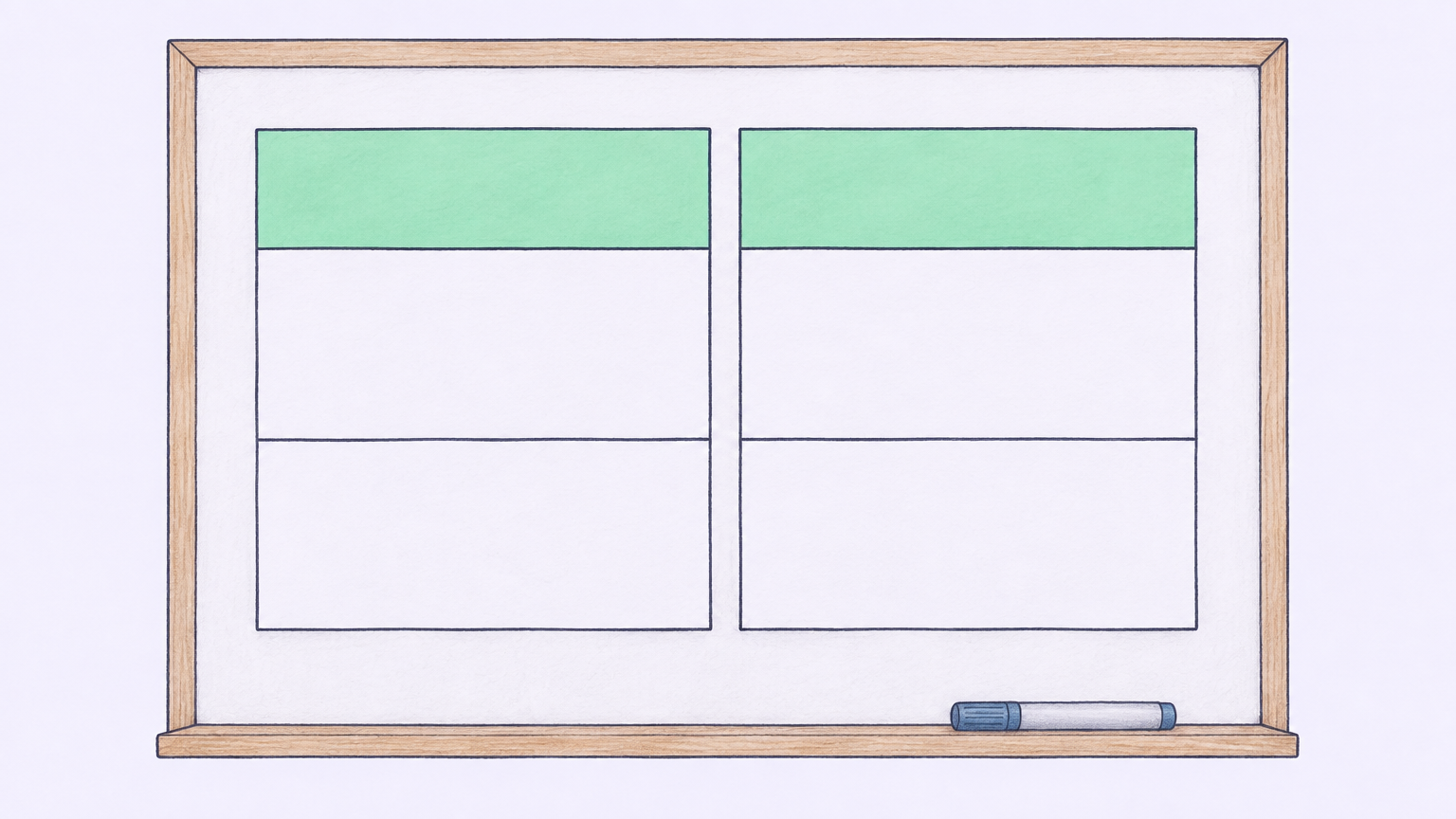
| Acceptance | A reply |
|---|---|
| Earned access | Created a conversation |
| The angle | What comes after acceptance |
Measure the request and follow-up as different jobs. Acceptance tells you whether the angle and profile earned access; a reply tells you whether the next message created a conversation.
A typical connection-request acceptance rate is 21%,15 while reply-to-acceptance conversion is 18%.16 Use acceptance to revise the angle and reply to revise what comes after acceptance. If requests are accepted but replies are weak, keep the angle and change the follow-up. If acceptance is weak too, revisit the relevance of the request.
This split keeps you from celebrating a connection that produces no exchange and shows you where to make the next edit instead of changing the whole sequence at once.
What not to do
These mistakes make the request work harder than it needs to. Remove them before sending.