
Make your profile the first piece of the outbound message. It should help the right buyer recognize a problem, see the help you offer, and decide to keep reading. Treat it as bait for a defined audience. Use the buyer's concerns and desired outcomes in the writing, then let the headline earn attention and the rest earn trust. A polished biography for everyone gives the right prospect little to grab. Build each section around the conversation you want to start.
Start with the buyer
Choose the person you want to attract and the problem you want them to recognize. Give that person a reason to see themselves in the page before deciding whether to answer your message.
A profile can act as bait for its target audience.1 If the goal is selling on LinkedIn, optimize the profile for selling on LinkedIn.2 That means understanding what matters to prospects,3 then pulling recurring concerns and desired outcomes from prospect reviews and putting them into the profile.4
For a focused account list, review each target profile and its content, find the personal reason that makes the target relevant, and adjust the About section manually.5 Do this before polishing phrases. If the language does not sound like a problem the buyer would recognize, keep working on the buyer's world before rewriting the page.
Write the headline to earn attention
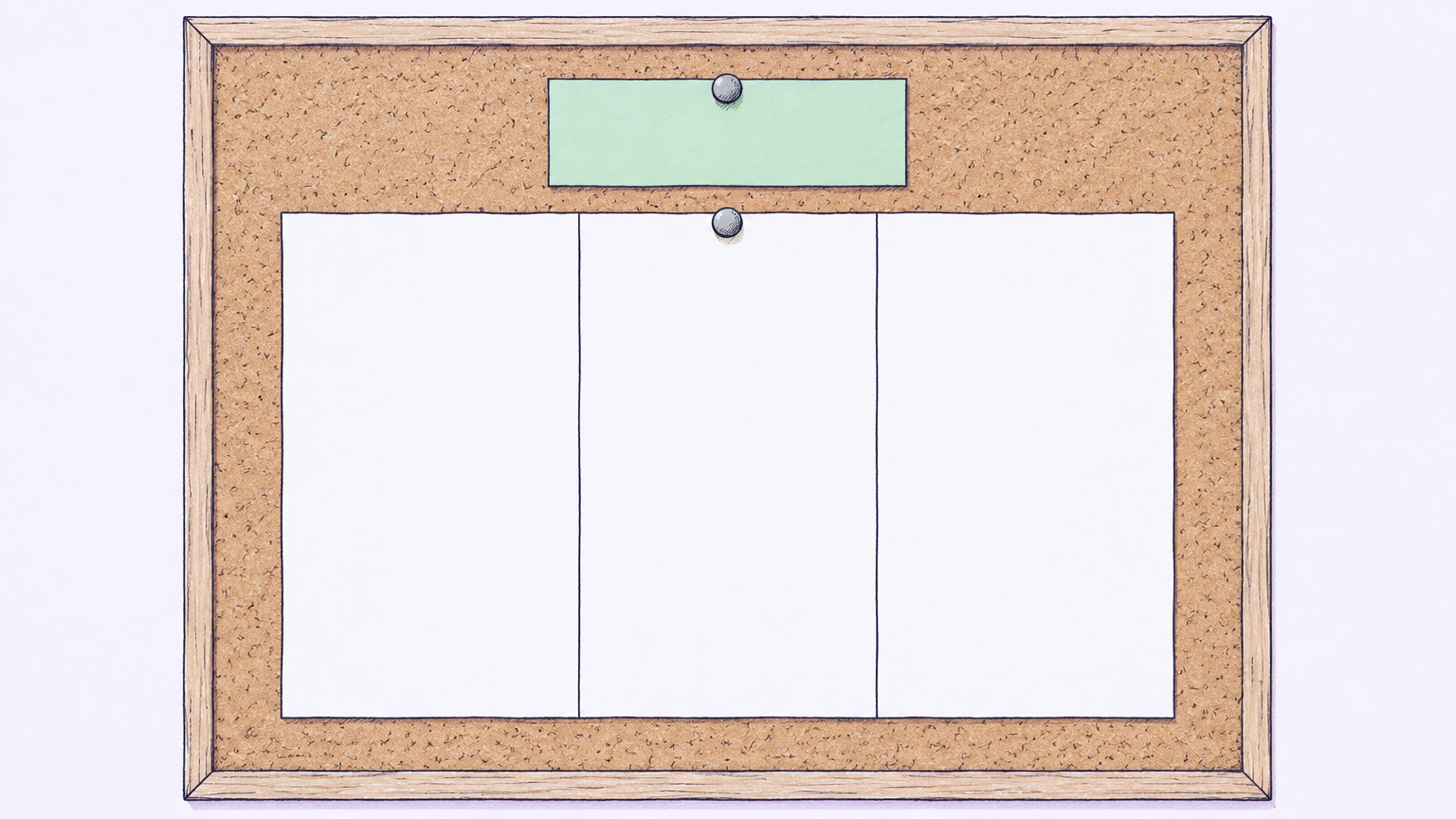
Parts of headline frame:
- Role
- Company
- Value proposition
Write the headline for the moment when a prospect sees your activity with only a small amount of context. It should help the right person decide to visit.
Your headline appears on the timeline when people see your content.6 It also appears directly beneath your profile picture and in other users' search results.7 Use it to get visitors to your profile.8
Use role plus company plus value proposition as the headline frame.9 The headline can convey your company, professional identity, interests, and value at a glance.10 Ask, "Who do you help and how do you help them?"11 Then write the answer with verbs and active language.12
Keep words that help the buyer place themselves in the problem or understand the help you offer. Remove words that describe you without giving the buyer a reason to continue. You have 220 characters in the headline, so use each one with purpose.13
Build the About section around the buyer
Use this section to turn the headline into a reason to keep reading. A prospect should be able to connect a concern they recognize with the work you do.
Write the profile around buyer achievements and how you enabled them.14 Start with the situation the buyer recognizes, explain what it affects, describe the help you provided, and finish with the conversation you can have about it. Keep your own biography in the background when it does not help the buyer understand that path.
Read the section as the target person. Can they tell what problem you understand? Can they see how your work could change their situation? If not, replace broad self-description with language drawn from the concerns you collected.
Turn work history into proof
Use past experience to give substance to the promise in the headline and About section. Each entry should show how your work connects to the buyer's problem.
Give each job description more detail than the initial outreach message.15 Use that space to explain the context, the work you did, and the buyer change it supported. Keep the wording consistent with the audience and problem you chose, so the page develops one point across several sections.
Read each entry and ask what problem it helps the buyer understand, what changed because of the work, and what a prospect would want to ask about next. When an entry cannot support the audience or problem you chose, cut it or rewrite it.
Check before outreach
Review the page as a prospect would after receiving your message. Check whether the profile confirms the conversation you are trying to start.
Prospects inspect a salesperson's profile to judge whether they want to do business with that person.16 Optimize the sender's profile before LinkedIn outreach.17
Read the headline alone and see whether the target buyer can identify the problem and the help. Read the About section next and check whether it develops the same idea with enough detail. Read the work history last and confirm that it gives the promise substance. Then look for gaps, vague language, and sections that speak mainly to your own career instead of the buyer's situation.
What not to do
A few shortcuts make the page harder for the right prospect to trust. Remove them before the profile becomes part of your outbound sequence.